
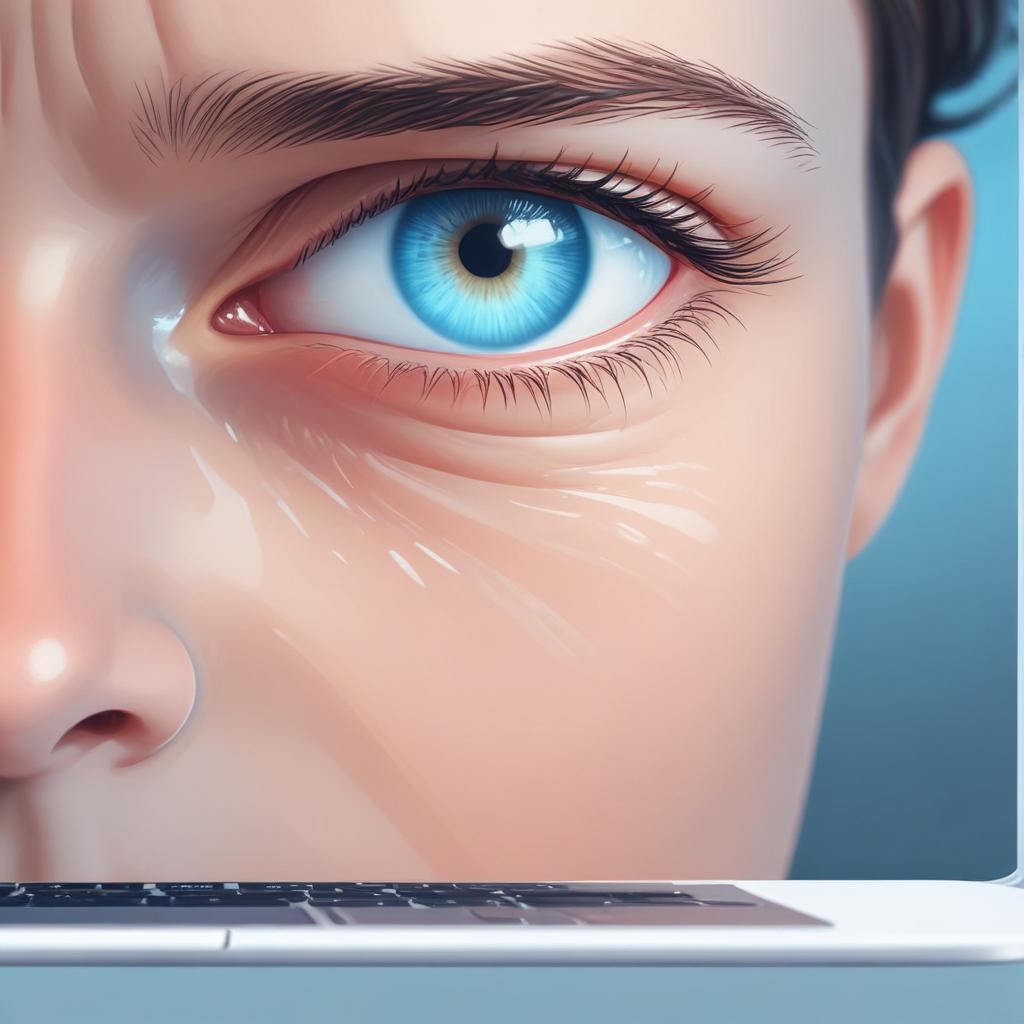
Reducing screen fatigue throughout the day
11/02/2026
Understanding Screen Fatigue
Screen fatigue, often referred to as digital eye strain, is a common condition resulting from prolonged use of digital devices like computers, smartphones, and tablets. It manifests as a range of symptoms that affect your eyes and overall comfort during and after screen use. As many people spend increasing amounts of time in front of screens for work or leisure, understanding the symptoms and causes of screen fatigue is crucial for managing and preventing its effects.
The symptoms of screen fatigue can vary widely but often include dry or irritated eyes, blurred vision, headaches, and neck or shoulder pain. Users may also experience difficulty focusing, increased sensitivity to light, and a general feeling of eye discomfort or tiredness. These symptoms tend to worsen as screen exposure continues throughout the day and can significantly impact productivity and well-being.
The primary causes of screen fatigue are linked to how our eyes interact with digital screens. One major factor is the reduced blink rate when staring at screens, which leads to dryness and irritation of the eyes. Additionally, the blue light emitted from screens can contribute to eye strain and disrupt natural sleep cycles. Poor lighting conditions, improper screen brightness, and incorrect viewing distances also exacerbate the strain on the eyes. Postural issues from prolonged sitting and improper ergonomic setups further contribute to the discomfort associated with digital eye strain.
Understanding these causes and recognizing the symptoms early can help in adopting effective strategies to prevent or reduce screen fatigue. Simple measures like taking regular breaks, adjusting screen settings, and ensuring proper lighting can make a significant difference in reducing the strain on your eyes and improving your overall comfort during screen use.
Common Symptoms of Screen Fatigue
Screen fatigue is a growing issue in our digital age, with symptoms that can significantly impact daily comfort and productivity. One of the most common symptoms is eye strain, which often manifests as a feeling of tiredness, soreness, or discomfort in and around the eyes after extended screen use. This occurs because the eyes work harder to focus on digital text and images, often compounded by poor lighting and glare.
Headaches are another frequent complaint linked to screen fatigue. They may develop gradually and range from mild to severe, often triggered by prolonged exposure to screen glare or intense concentration. These headaches can result from tension in the muscles around the eyes and forehead, as well as from mental fatigue caused by continuous visual processing.
Blurred vision is a key indicator that the eyes are struggling to maintain focus. When the eyes are fatigued, the ability to quickly shift focus between different objects or distances becomes impaired, leading to difficulties in seeing clearly. This symptom can be temporary but often recurs with ongoing screen use without adequate breaks.
Dry eyes commonly accompany screen fatigue. Staring at screens reduces the blink rate, leading to insufficient lubrication of the eyes. This dryness can cause itching, burning, and a gritty sensation, making it uncomfortable to continue prolonged screen activity.
Recognizing these symptoms—eye strain, headaches, blurred vision, and dry eyes—is crucial for managing screen fatigue and taking steps to alleviate its effects throughout the day.
Main Causes of Digital Eye Strain
Digital eye strain is primarily caused by prolonged screen time, which forces your eyes to focus continuously without adequate breaks. Staring at screens for hours reduces blink rates, leading to dryness and discomfort. In addition, exposure to blue light emitted by digital devices can disrupt your circadian rhythm and cause eye fatigue. Blue light scatters more easily than other visible light, which makes it harder for eyes to focus, resulting in strain.
Poor posture during device usage significantly contributes to screen fatigue. Slouching or looking down at screens increases muscle strain around the neck and shoulders, indirectly exacerbating eye discomfort. Maintaining an ergonomic position helps reduce both physical and visual fatigue. Finally, screen brightness plays a critical role — screens that are too bright or too dim compared to surrounding ambient light cause your eyes to work harder to adjust, intensifying eye strain over time.
Environmental factors like glare from windows or overhead lighting can further worsen the effects of prolonged screen exposure. Adjusting screen settings, taking regular breaks, and optimizing your workspace environment are crucial steps to minimize the main causes of digital eye strain and maintain eye health throughout the day.
Effective Strategies to Reduce Screen Fatigue
To reduce eye strain and keep your productivity high, it’s important to incorporate effective strategies that minimize screen fatigue throughout the day. Here are actionable tips and best practices that will help protect your eyes and improve comfort when using digital devices.
Start by taking regular screen breaks. Following the 20-20-20 rule is one of the simplest yet most effective methods: every 20 minutes, look at something 20 feet away for at least 20 seconds. This practice helps relax your eye muscles and reduces strain caused by prolonged focus on the screen.
In addition to breaks, pay attention to ergonomics. Proper positioning of your screen and seating can dramatically reduce fatigue. Ensure your monitor is at eye level and about an arm’s length away. Sit with good posture, keeping your back straight and feet flat on the floor. This setup prevents tension in the neck, shoulders, and eyes.
Using blue light filters can also be very helpful in reducing eye strain. Blue light emitted from screens can disrupt your sleep patterns and cause discomfort. Consider wearing glasses with blue light blocking lenses or using software and device settings that reduce blue light exposure, especially in the evening.
Additionally, improve your workspace lighting to complement screen use. Avoid harsh overhead lights and glare by using adjustable lamps and positioning your monitor to minimize reflections. A well-lit environment reduces squinting and eye discomfort.
Finally, keep your eyes hydrated and healthy. Use artificial tears or eye drops if you experience dryness, and blink frequently to maintain moisture on the eye surface. Staying hydrated by drinking water also supports overall eye health and helps prevent fatigue.
By combining these strategies—taking regular screen breaks, optimizing ergonomics, using blue light filters, adjusting lighting, and maintaining eye hydration—you can effectively reduce screen fatigue and maintain comfort throughout your day.
Implementing Regular Screen Breaks
To effectively reduce screen fatigue, it is essential to implement regular breaks throughout your day. One scientifically recommended approach is the 20-20-20 rule, which advises that every 20 minutes, you should take a 20-second break to look at something 20 feet away. This technique helps rest eyes by reducing strain caused by prolonged focus on close screens. Incorporating this rule into your routine is a practical way to manage break frequency and improve overall screen time management.
When following the 20-20-20 rule, you don’t need to leave your desk; simply shifting your gaze to an object in the distance allows your eyes to relax and reset. This brief pause prevents eye muscle fatigue and minimizes dryness caused by reduced blinking during screen use. Maintaining consistent intervals for these breaks can enhance visual comfort and decrease the risk of developing digital eye strain symptoms.
Additionally, consider integrating longer breaks every hour, where you stand up and move around to reduce physical tension and mental fatigue. Combining these practices with screen time management strategies, such as limiting unnecessary screen use and adjusting display settings, will further protect your eyes and improve concentration. Regular screen breaks, especially when following the 20-20-20 rule, contribute significantly to preserving eye health and sustaining productivity throughout the day.
Optimizing Workspace Ergonomics
Creating an ergonomic workspace setup is essential to reduce strain on your eyes and neck throughout the day. Start by adjusting your monitor height so that the top of the screen is at or slightly below eye level. This positioning helps keep your neck in a neutral, relaxed position, preventing tension and discomfort.
Ensuring proper posture is equally important. Sit with your back straight, shoulders relaxed, and feet flat on the floor or on a footrest. Your elbows should be close to your body and form an angle between 90 and 120 degrees, supporting wrist comfort during typing. This posture helps alleviate muscle strain and promotes better circulation.
Lighting plays a critical role in reducing eye fatigue. Avoid harsh overhead lighting or glare on your monitor by using adjustable desk lamps or positioning your screen perpendicular to windows. Natural light is beneficial but too much direct sunlight can cause reflections, so finding a balance is key. Consider using screen filters or anti-glare covers if necessary.
By paying attention to workspace setup elements such as monitor height, posture, and lighting, you can create a more comfortable and healthy work environment. This ergonomic approach helps minimize screen fatigue, boosts productivity, and supports long-term well-being.
Using Technology to Protect Your Eyes
Modern technology offers several tools and settings designed specifically to reduce harmful light exposure and help lessen eye discomfort during screen use. One of the most effective features is the blue light filter, which reduces the amount of blue light emitted by screens. Blue light has been linked to eye strain and disrupted sleep patterns, so activating a blue light filter, especially during evening hours, can significantly improve comfort and protect your eyes.
Adjusting screen brightness is another critical step in reducing eye fatigue. Excessively bright screens in dim environments or too dim screens in bright environments force your eyes to work harder, causing strain. Using automatic screen brightness adjustment or manually setting the brightness to a comfortable level for your surroundings can ease eye stress throughout the day.
Anti-glare screens are physical additions or screen protectors that reduce reflections and glare, which can be a major source of eye strain. Installing an anti-glare screen or using devices with matte displays helps maintain clear visibility without forcing your eyes to constantly adjust to changing light reflections.
Lastly, many devices now include a night mode option, which changes the display colors to warmer tones and reduces blue light exposure. Using night mode in low-light conditions can make using digital devices more comfortable, help maintain natural sleep cycles, and prevent the eyes from becoming overly fatigued after prolonged use.
Lifestyle Changes to Support Eye Health
In addition to managing screen time, adopting specific lifestyle habits can significantly enhance eye health and reduce the discomfort associated with prolonged digital device use. Incorporating regular eye exercises, maintaining proper hydration, paying attention to nutrition, and practicing good sleep hygiene are all essential components of a holistic approach to eye care.
Eye exercises are a simple yet effective way to relieve eye strain. Techniques like the 20-20-20 rule, where you take a 20-second break to look at something 20 feet away every 20 minutes, can help reduce fatigue. Additionally, gentle eye rotations and focusing exercises improve eye muscle flexibility and reduce tension.
Hydration plays a crucial role in maintaining eye moisture and preventing dryness, which often worsens with extended screen exposure. Drinking plenty of water throughout the day supports tear production and helps keep your eyes comfortably lubricated. Avoiding excessive caffeine and alcohol intake can further preserve hydration levels.
Nutrition is another vital factor for eye health. A diet rich in antioxidants, vitamins, and minerals supports the eyes’ natural defense against damage and fatigue. Foods containing vitamins A, C, and E, zinc, lutein, and omega-3 fatty acids—found in leafy greens, citrus fruits, nuts, and fish—have been shown to promote eye function and reduce the risk of chronic eye conditions.
Lastly, sleep hygiene is fundamental for eye recovery and overall well-being. Adequate sleep allows your eyes to rest, repair, and rejuvenate after exposure to screens and environmental stressors. Establish a consistent sleep schedule, avoid screen use at least an hour before bed, and create a comfortable, dark sleeping environment to improve sleep quality.
By integrating these lifestyle changes—eye exercises, proper hydration, balanced nutrition, and good sleep hygiene—with your screen fatigue reduction strategies, you can significantly enhance your eye health and maintain comfort throughout the day.
Eye Exercises for Relieving Strain
To combat screen fatigue and maintain eye comfort throughout the day, incorporating simple eye exercises can be highly effective. One such technique is palming, which involves gently covering your closed eyes with the palms of your hands without applying pressure. This helps relax the eye muscles and reduce tension. Perform palming for a minute or two whenever you feel strain building up.
Focusing exercises can also improve eye flexibility and reduce discomfort. Try holding a small object about 15 inches away from your face and focus on it for 10-15 seconds. Then slowly shift your gaze to something farther away, focusing on it for another 10-15 seconds. Repeat this cycle several times to strengthen your focusing ability and ease eye strain.
Regular eye movement exercises encourage blood circulation and help prevent stiffness. Slowly move your eyes in different directions—up and down, left and right, and in circular motions. Doing this for a minute or two every hour can keep your eyes agile and refreshed.
Combining these techniques with other relaxation techniques like blinking frequently and taking breaks from the screen can significantly reduce tension. Practicing these eye exercises daily will contribute to better eye health, increased comfort, and less fatigue, letting you work or browse with ease throughout the day.
The Role of Nutrition and Hydration
Proper nutrition and staying well-hydrated play a crucial role in supporting eye function and reducing symptoms of screen fatigue. Consuming foods rich in specific vitamins for eyes, such as vitamins A, C, and E, helps protect the eye from oxidative stress caused by prolonged screen exposure. These antioxidants aid in maintaining the health of the retina and other ocular tissues, preventing dryness and discomfort.
Incorporating eye health foods like leafy greens, carrots, and citrus fruits into your diet can significantly improve your eye’s resilience to strain. Additionally, omega-3 fatty acids, found in fish and flaxseeds, contribute to reducing inflammation and dry eye symptoms by supporting the tear film quality. This helps maintain optimal lubrication during extended screen use.
Hydration is equally important as it ensures that the eyes remain moist and comfortable, reducing the likelihood of irritation and redness associated with digital eye strain. Drinking adequate water throughout the day supports the natural tear production necessary for keeping the eyes refreshed and preventing fatigue. Together, a balanced intake of nutrients and regular hydration work synergistically to promote eye health and alleviate discomfort from continuous screen time.

I’m a longtime fitness enthusiast who loves exploring practical habits that boost daily energy and confidence. Sharing simple, science‑backed routines that help men feel their best is what keeps me motivated every day.